Restaurant operations platform
Smart Digital QR Menu
for Restaurants
Build bilingual menus, share a QR code, collect feedback, track guests, and issue ZATCA tax invoices — all from one portal.
Loading...
Build bilingual menus, share a QR code, collect feedback, track guests, and issue ZATCA tax invoices — all from one portal.
Digital QR Restaurant Menu is a self-hosted platform for restaurants that need a public menu guests can scan, plus a full admin portal for menus, engagement, analytics, and KSA tax invoices.
The public QR menu and the admin portal are one system: what you publish is what guests see, and what they do is what you measure.
Share landing, home, and menu links. Download a QR code from the dashboard for tables and print.
Learn moreManage categories, products, and dishes with English and Arabic, prices, photos, and availability.
Learn moreAdd modifiers, ingredients, and allergens so guests can filter and see what is in each item.
Learn moreRun promotions, publish a gallery, and collect restaurant or product feedback from the menu.
Learn moreTrack QR scans, menu views, product interest, peak hours, devices, and language — then export insights.
Learn moreCreate restaurant invoices with VAT, record payments, print A4, and download PDF. Each invoice includes a ZATCA / Fatoora Phase 1 e-invoice QR on view, print, and PDF.
Learn moreInvite staff and lock each screen behind permissions — restaurants, menus, invoices, payments, and more.
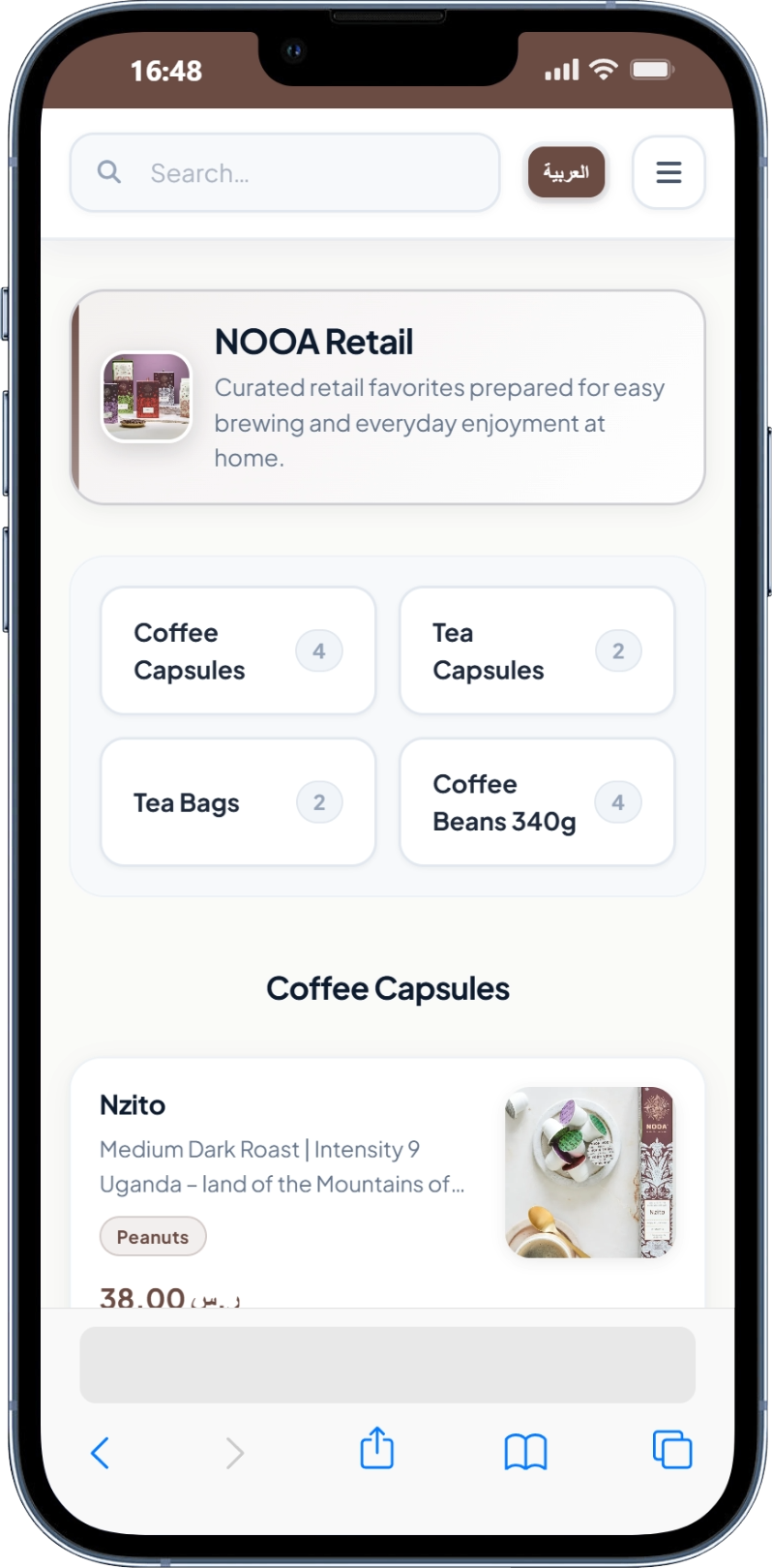
Learn moreGuests switch English and Arabic, search dishes, and browse a mobile-first menu after they scan.
Learn moreBack up and restore data, review activity logs, and brand the portal and public pages.
Learn moreSign in, pick a restaurant, and use the dashboard to copy public URLs.
Add categories, products, dishes, modifiers, allergens, and promotions.
Print the dashboard QR or share landing, home, and menu links with guests.
Read analytics and feedback, then issue tax invoices with a ZATCA QR and record payments.
Questions about menus, analytics, ZATCA invoices, or installing Digital QR Restaurant Menu? We are here to help.
Reach out through any channel — we respond within 24 hours.
Thank you! Your message has been sent successfully. We'll get back to you within 24 hours.
Fill in the form and we'll get back to you shortly.